Ableton Live 12.4: Link Audio, updated devices, and more
Free update adds audio streaming, an Erosion revamp, and hardware improvements.
Clarity Commitment
Tell me more
Have not yet used this product

Contains affiliate links (marked *)
Estimated read time: X minutes
Ableton Live 12.4 brings wireless audio streaming and a raft of device and hardware updates
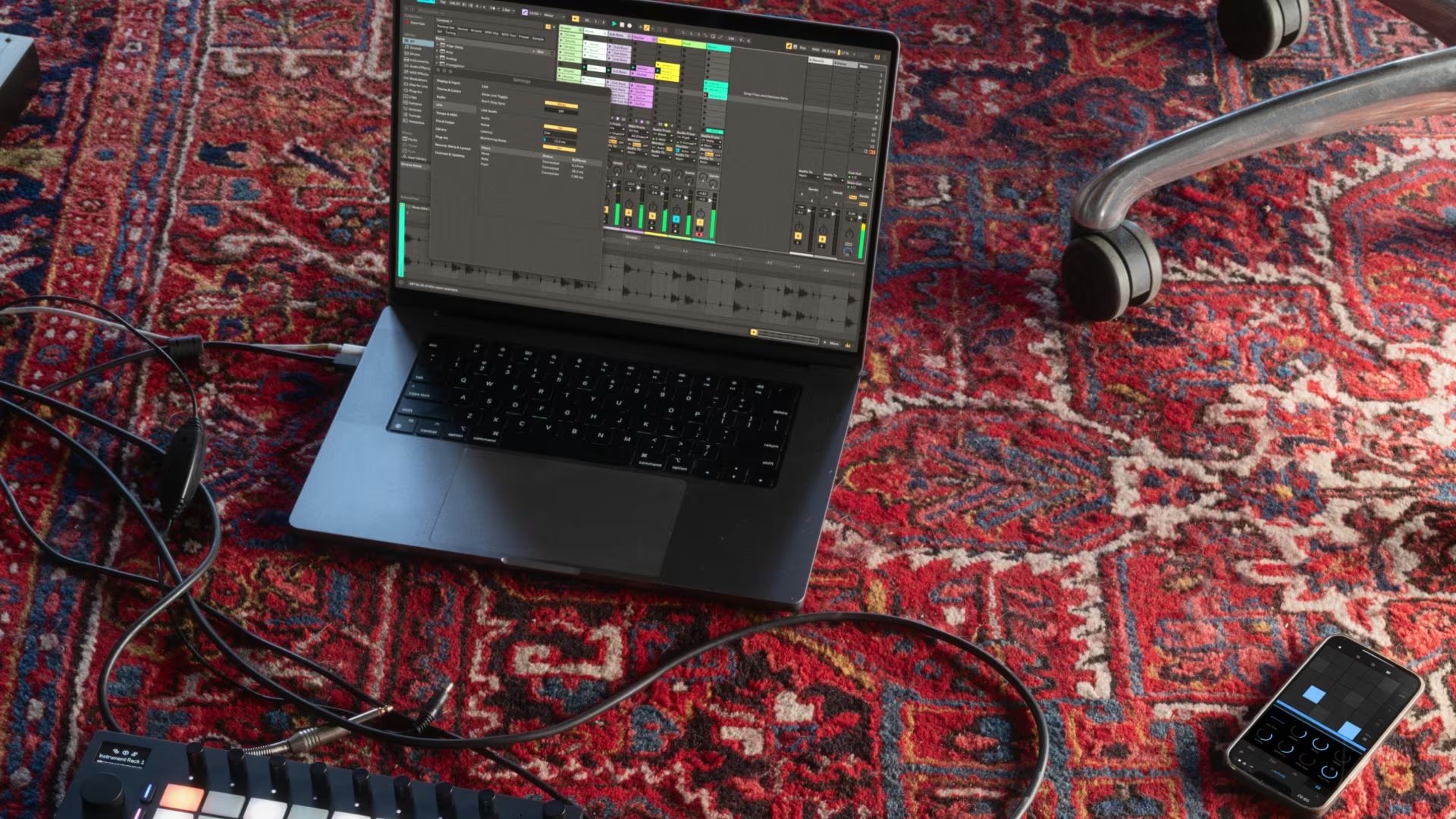
Ableton has released Live 12.4 today, a free update for all Live 12 users. The headline addition is Link Audio: real-time audio streaming between devices on a local network, alongside a revamped Erosion effect, updates to Chorus-Ensemble and Delay, Stem Separation improvements, a new Learn View, and significant expansions for Push, Move, and Note.
Link Audio
Link Audio lets you stream audio between Live and other Link Audio-enabled devices on a local network in real time. Audio from connected peers appears directly as an input in Live, making it possible to monitor and record external devices and apps without additional hardware, cables, or manual latency compensation. On Push Standalone, individual audio channels can be shared as well as the main output. On Move and Note, Link Audio works unidirectionally; audio can be sent to Live or other Link Audio devices on the network, but not received.
Updated Devices: Erosion, Chorus-Ensemble, and Delay
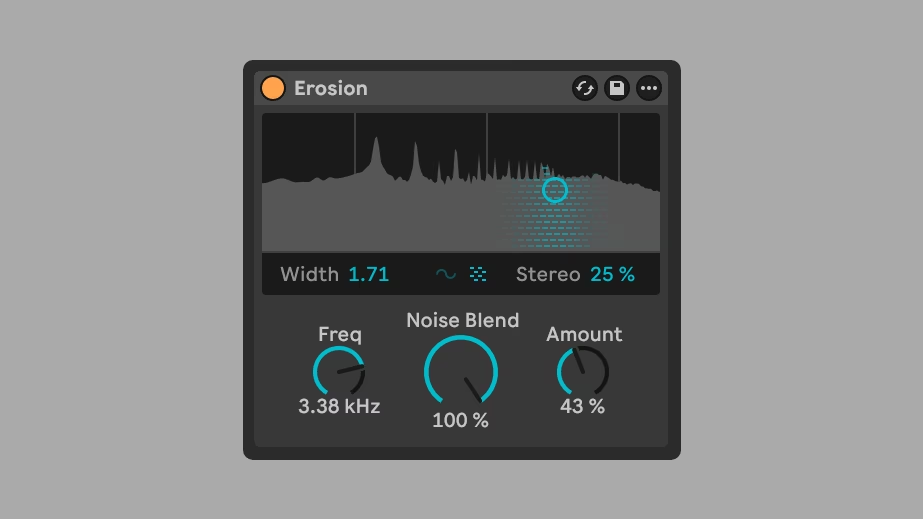
Erosion, Live's classic bit-crushing and signal degradation effect, gets a meaningful update. It now offers real-time spectrum visualisation and the ability to smoothly blend between sine and noise modulation, as well as between mono and stereo noise. The updated version ships as a new device; the previous version is preserved as Erosion Legacy for compatibility with older sets. Erosion is also coming to Move and Note for the first time, with full parameter control on Move and core parameters on Note.
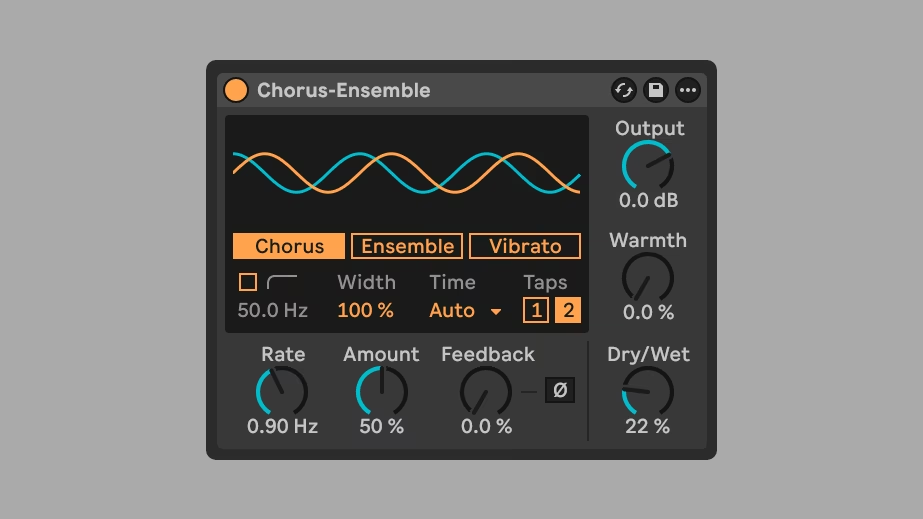
Chorus-Ensemble gains more granular control over delay time and structure, making it easier to create smooth, musical chorus sounds, particularly on guitar and bass.
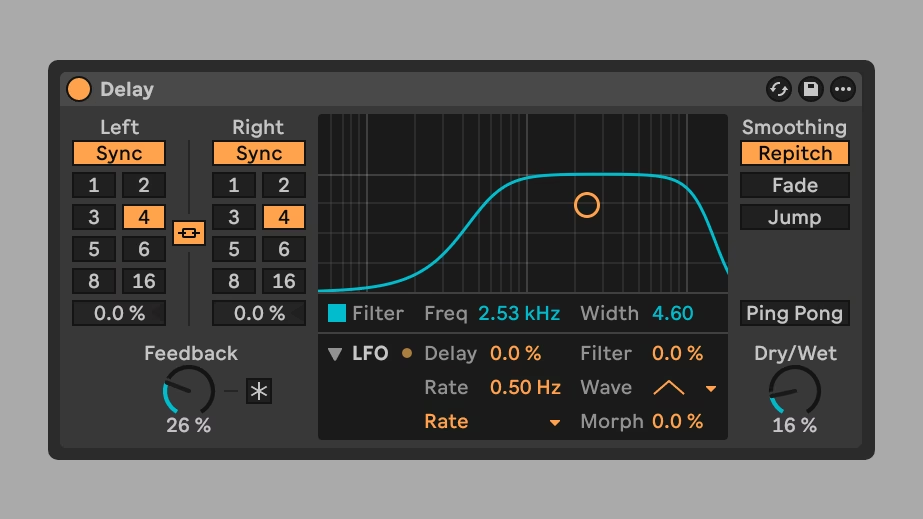
Delay adds new LFO time modes and waveforms, opening up new modulation territory.
Stem Separation Improvements
Stem Separation, introduced for Live Suite in Live 12.3, becomes significantly more flexible in 12.4. You can now separate a selected portion of a clip in Arrangement View rather than processing an entire clip. Separated stems can be merged onto a single track instead of generating individual tracks, simplifying workflows like isolating and removing a vocal. A unified progress bar now tracks the full operation rather than showing per-stem progress.
Learn View
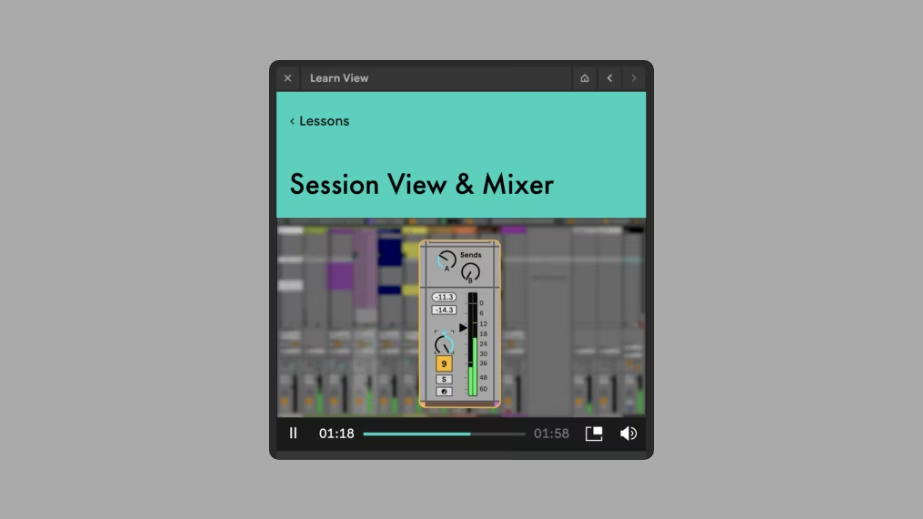
A new embedded Learn View replaces Live's Help View. It provides structured tutorials combining short videos with written explanations, viewable in Live's top-right corner or in a floating window. Progress can be tracked by checking off lessons as completed.
Push, Move, and Note
Push gains MIDI Controller mapping in 12.4: you can create and modify mappings directly from Push, customise which control scripts a connected MIDI device uses, and deactivate control scripts entirely to avoid conflicts. MIDI Mapping is also partly accessible via Live on Push 2 and the tethered version of Push 3. Max for Live devices get a new Visible option, expanding the range of parameters controllable from Push, including modulation mapping in LFO and calibration in CV Instrument.
Live 12.4 is accompanied by Note 2.0 and Move 2.0. Both now support audio tracks alongside MIDI tracks: any of Move's four tracks can be used as either type, with direct microphone recording (plus line-in or USB-C on Move), and a warp algorithm that maintains pitch while adjusting tempo. On Move, audio tracks can also be used for live processing; routing incoming audio through the track's effect chain turns Move into a performance FX unit. Auto Shift also joins Erosion in coming to Move and Note for the first time.
Live 12.4 is available now to all Live 12 licence holders. Full details are in the 12.4 release notes.
Our View
Link Audio is the most interesting update in 12.4. Streaming audio across a local network between Live, Push, Move, and Note without cables or interface routing is a genuine shift: the kind of thing that sounds like a nice-to-have until you're actually in a room with multiple devices and suddenly the whole cable-and-interface overhead disappears. The open question is latency. Ableton say nothing about target figures in the announcement, which is the first thing worth testing when the full release lands.
The Erosion revamp is another decent update. Real-time spectrum visualisation plus smooth sine-to-noise blending transforms it from a device you dial in and forget into something you can actually perform with. Bringing it to Move and Note, where it was inexplicably absent, is long overdue.
Stem Separation finally works the way it should have from day one. Processing a selection rather than a whole clip, and merging stems onto one track rather than scattering them across five, are the kind of obvious UX fixes that make you wonder what took so long. No complaints here then either.
Learn View replacing Help View is a sensible move and will matter a lot to newer users. For anyone who knows Live well it is invisible, exactly as it should be.
Overall: 12.4 is disciplined and coherent. Ableton haven't reached for a headline feature at the expense of polish. Link Audio alone could justify the update for collaborative workflows; everything else makes the daily experience tighter. The latency question is the one thing that could change that verdict once it ships.
Pricing
Pricing
Live 12.4 is a free update for all Live 12 licence holders: Intro, Standard, and Suite. No purchase required.
New Licences
- Live Intro: $99 direct, from $77 at Thomann*, or $99 at Sweetwater
- Live Standard: $439 direct, from $269 at Thomann*, or $439 at Sweetwater
- Live Suite: $749 direct, from $579 at Thomann*, or $749 at Sweetwater. Suite is also available rent-to-own via Ableton.
Education Pricing
Students, teachers, and institutions qualify for discounts of up to 50% off. Details and eligibility on the Ableton education page.
Free Trial
A 30-day free trial of Live Suite is available via the Ableton trial page. Full Suite features for the trial duration, no watermarking.





Demos
Videos
What's new in Ableton Live 12.4: Feature Overview (official Ableton walkthrough).


